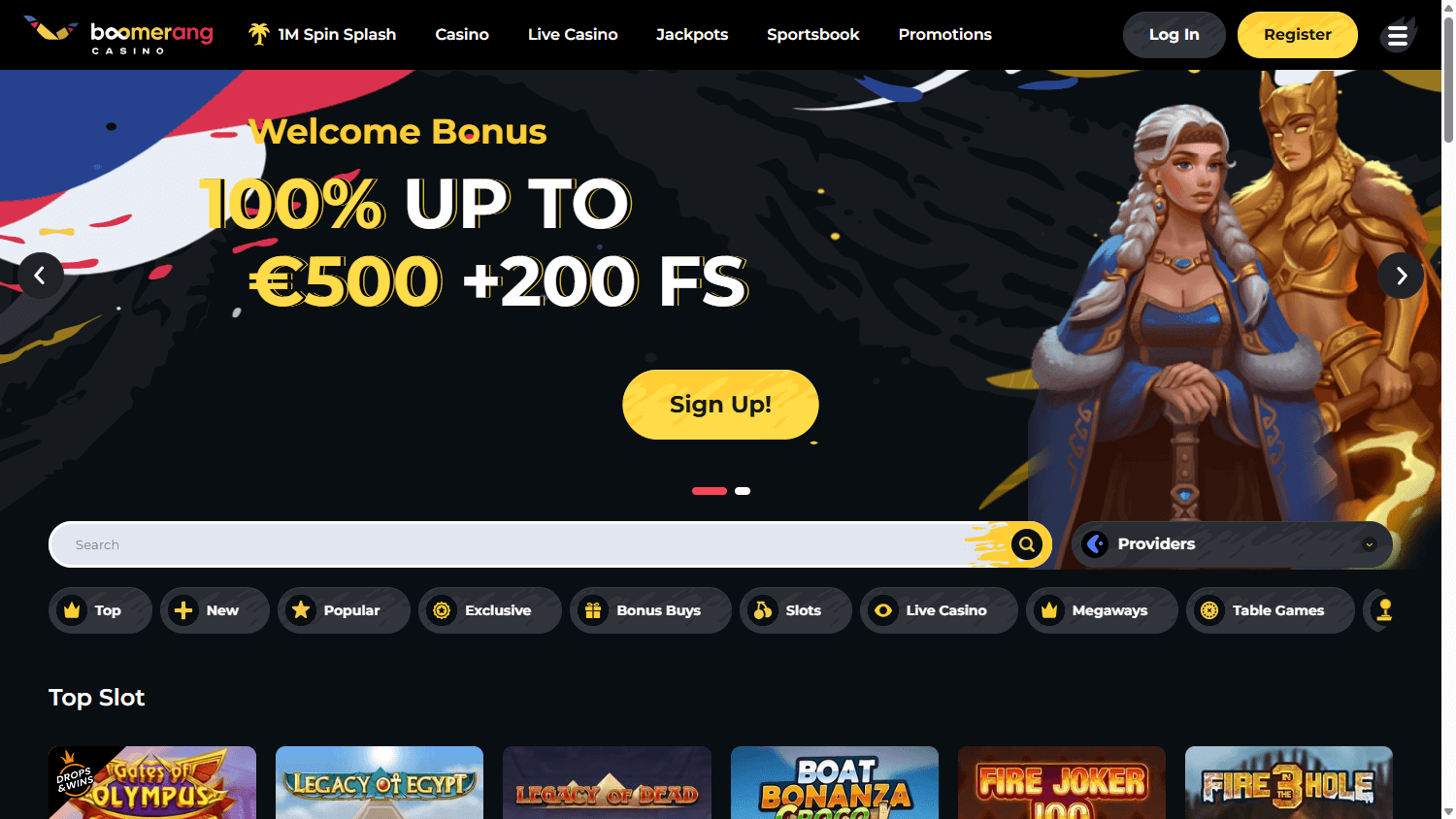
I’ve assisted plenty of users with the Boomerang Casino login, and I know how frustrating a failed sign‑in can be https://boomerangkazino.com/de-de/login/. If you’re a new user trying to register, or a returning user locked out of your login, the problems are almost always solvable. I’ll guide you through every stage of the account experience, clarify the verification demands for German users, and offer you practical solutions for the most typical login issues. I’ll also cover security options like two‑factor authentication and demonstrate you specifically what to do if your account gets locked or suspended.
Understanding the Boomerang Casino Login Page
When you select the login button on the Boomerang Casino website, you arrive at a specific page that accepts your email or username and password. The page is delivered over an encrypted HTTPS connection, which secures your credentials from interception. I always verify the padlock icon in the address bar before inputting anything. The login form is minimal: two input fields and a “Sign In” button, plus links for password recovery and registration. There is no auto‑fill trickery, and the page loads quickly on both desktop and mobile browsers.
Behind the scenes, the login system validates your credentials against the casino’s player database. If the email and password correspond, you are redirected to the lobby. If they don’t match, you see an error message. I’ve noticed that the error text is intentionally vague (something like “Invalid credentials”) to prevent giving attackers any hints. That’s solid security practice. The page also establishes a session cookie that holds you logged in for a few hours, unless you manually log out or clear your cookies.
For players in Germany, the login page is adapted into German, but the underlying mechanism is the same to the international version. The URL might feature a language prefix such as /de-de/, but that doesn’t alter how authentication works. I recommend bookmarking the official login page rather than hunting for it every time, because phishing sites often copy casino login screens. A small keyboard mistake in the URL can land you on a fake page that steals your credentials.
2FA and Additional Security Measures
Boomerang Casino includes two‑factor authentication (2FA) as an elective security feature, and I urge every player to activate it. Once activated, logging in demands your password plus a one‑time code produced by an authenticator app on your phone. This implies that even if someone steals your password, they are unable to access your account without physical ownership of your device. The setup process requires less than two minutes and adds a big security enhancement.
To activate 2FA, go to your account security settings after logging in. You’ll spot a QR code that you scan with an app such as Google Authenticator, Authy, or Microsoft Authenticator. The app then presents a six‑digit code that renews every 30 seconds. You need to enter that code to confirm the pairing. After that, every login will request the current code. I advise saving the backup recovery codes that the casino supplies during setup. Save them in a safe place, because if you drop your phone, those codes are the only way to restore access.
If you lose your 2FA device and are without backup codes, you’ll be locked out. In that case you have to contact support and prove your identity all over again. The support team may request a selfie holding your ID, a video call, or other enhanced verification steps. This process can take several days, so it’s crucial to hold onto the recovery codes. For players in Germany, the 2FA feature operates identically to the international version, and the authenticator apps are obtainable in German on all major app stores.
Identity Verification and Compliance Requirements
Boomerang Casino, like every licensed operator, must verify your identity before it can process withdrawals. This is a statutory obligation, not an optional measure. I’ve seen many access difficulties arise because players ignore the verification request and then wonder why their account is restricted. The KYC (Know Your Customer) process generally asks for three categories of documents: proof of identity, proof of address, and proof of payment method ownership.
For proof of identity, a valid passport or, for German residents, a Personalausweis (national identity card) serves perfectly. The document must be completely shown, with all four corners present, and the photo must be distinct. I always recommend scanning or photographing the document against a dark background in good light. Blurry images or cropped edges are the number one reason verification gets delayed. The casino typically accepts JPEG, PNG, or PDF files, and the upload size limit is commonly around 10 MB per file.
Proof of address can be a recent utility bill, a bank statement, or a government‑issued letter that displays your name and current residential address. The document must be less than three months old. I’ve found that a PDF statement downloaded from online banking is approved without any trouble. For German players, a Meldebescheinigung (registration certificate) is also valid, but a simple mobile‑phone contract bill often is enough. Make sure the address accurately matches the one you entered during registration.
If you deposited with a credit or debit card, the casino may ask you to send a photo of the physical card. You can hide the middle eight digits and the CVV code; only the first six and last four digits need to be displayed, along with your name and the expiry date. For e‑wallets, a screenshot of your account profile showing your name and email typically works. I always upload documents through the secure document upload area inside the account dashboard, never by email, because email is not a secure channel for sensitive data.
Resetting a Misplaced Passcode or Login
If you can’t remember your password, the “Forgot password?” link on the login page is your initial stop. Clicking it leads you to a form where you enter the email address associated with your account. Boomerang Casino then sends a password‑reset email to that address. I always examine my spam folder if the email isn’t visible within two minutes. The reset link inside the email is time‑sensitive; it typically expires after one hour. If you miss the window, you can simply ask for another reset.
When you click the link, you’re directed to a secure page where you can set up a new password. I recommend selecting a fresh, unique password that you’ve never used before on any other site. The system will confirm the change and then guide you to the login page. At that point you can log in with your email and the new password. If you don’t receive the reset email at all, the most likely explanation is that you registered with a different email address. I’ve seen players open multiple accounts by mistake; checking old inboxes often solves the mystery.
What if you can’t recall which email you used? Boomerang Casino doesn’t provide a public username‑recovery tool that reveals your email, because that would be a privacy risk. In this situation I suggest contacting customer support directly. You’ll need to provide your full name, date of birth, and possibly the last four digits of the payment method you used. Support can then locate your account and help you regain access. Never open a second account to circumvent a lost login; duplicate accounts violate the terms and can lead to permanent closure.
Setting Up Your Boomerang Casino Account – Step by Step
Before logging in, you need a completely verified account. I always recommend players to set aside five minutes and have their personal documents ready. The registration form requests your email address, a strong password, your full name, date of birth, gender, full residential address, and mobile phone number. You also need to select your preferred currency. For German residents, selecting EUR is the sensible pick, and it avoids unnecessary conversion fees later.
The password requirements are usual: at least eight characters, a mix of upper‑ and lower‑case letters, at least one number, and often a special character. I advise using a password manager to create and store a truly random string. After filling in the form, you need to verify that you are at least 18 years old and accept the terms and conditions. Boomerang Casino then sends a confirmation email to the address you submitted. You need to click the verification link in that email to unlock the account. Without that click, you are unable to access.
Once your email is confirmed, you can make a first deposit and commence gaming, but your account will have limited functionality until you complete the identity verification. I’ll discuss that in the next section. For players in Germany, the casino may also require you to set deposit limits as part of the registration flow. That’s a responsible‑gambling measure I strongly back. You can adjust those limits later in your account settings, but going up often come with a cooling‑off period.
Browser software, Device, and Connection Troubleshooting
Sometimes the issue isn’t your login but the setup you’re using to sign in. I’ve solved many login failures simply by changing browsers. Boomerang Casino operates best on the most recent versions of Chrome, Firefox, Safari, and Edge. If you’re using an old browser or a uncommon one like Opera Mini, the login code may not execute correctly. Purging your browser cache and cookies is the second step I always take. Stale session data can trigger a conflict that prevents the login form from submitting properly.
Mobile users sometimes encounter additional obstacles. If you’re using the browser on a smartphone, ensure you’re not in private or incognito mode with strict tracking prevention turned on. Those settings can block the session cookie that the casino requires to keep you logged in. I also suggest deactivating any ad‑blocker or script‑blocker extension briefly for the casino domain. Some privacy‑focused extensions interfere with the JavaScript that handles the authentication flow.
Your internet connection on its own can be the culprit. Public Wi‑Fi networks, such as those in hotels or cafés, sometimes prevent access to gambling sites through their firewall. If you can’t access the login page at all, try moving to mobile data or a different network. I’ve also seen DNS issues lead to the casino domain to point incorrectly. Resetting your DNS cache or switching your DNS server to a public one like Google’s 8.8.8.8 can assist. These steps are quick and don’t need any technical skill.
Typical Sign In Problems and Their Possible Causes
When I speak with players who are unable to log in, the underlying reason nearly always belongs to one of a handful of categories. The most typical issue is a forgotten password or a mistyped email address. Caps Lock, extra spaces, or an old saved auto‑fill entry can all result in an “Invalid credentials” message. I always advise inputting your email by hand in a basic text editor first, then pasting it into the login field to eliminate hidden characters.
Another common cause is an not verified email address. If you created an account but never activated the confirmation link, the system prevents you from logging in. The confirmation email occasionally ends up in the spam or promotions folder, so I check those folders before presuming the email never came. A third common problem is a short-term account suspension caused by numerous failed login attempts. After a handful of wrong tries, the casino may block the account for 15 to 30 minutes as a safety precaution.
Geolocation and VPN usage also lead to sign‑in failures. Boomerang Casino checks your IP address to determine your location. If you’re using a VPN that sends your traffic through a blocked country, the login may be blocked entirely. I’ve seen players from Germany face blocking because their VPN server was located in a jurisdiction where the casino does not function. Disconnecting the VPN typically solves the issue instantly. Finally, stale browser cache and cookies can damage the session state and generate a blank page or a redirect loop after login.
Specific Error Messages You Might See
The casino does not always show a precise error code, but I’ve listed a few standard on‑screen messages:
- “Invalid email or password” – the credentials don’t match any account.
- “Account not verified” – absent email confirmation or incomplete KYC.
- “Account temporarily locked” – excessive failed attempts.
- “Access denied – restricted region” – your IP address is not allowed.
- “Unexpected error, please try again later” – commonly a server‑side issue that resolves on its own.
Account Lockouts, Blocks, and How to Respond
An account lockout may occur for multiple causes, and it’s important to understand the difference between a brief security hold and a full suspension. A temporary lock typically happens after too many incorrect password attempts. The system automatically lifts the lock after a short duration, usually 15 to 30 minutes. I suggest waiting calmly rather than persisting with attempts, because more attempts can lengthen the lockout duration. If you remain locked after an hour, a human review from support might be required.
A full suspension is more severe. It may be caused by a rejected identity verification, suspected fraudulent activity, a chargeback, or a breach of the bonus terms. When your account is suspended, you’ll usually receive an email detailing the rationale, though sometimes the casino keeps details private while it investigates. In these cases, the only path forward is to get in touch with customer service. I always advise being respectful and providing any required details promptly. Aggressive or threatening messages only slow down the review process.
If you’ve self‑excluded or activated a break, your account will stay blocked until the exclusion period ends. This is a enforceable limitation that the casino cannot bypass, even if you have a change of heart. For German players, Boomerang Casino may also participate in the OASIS self‑exclusion system or a similar cross‑operator scheme. If you have self-excluded through this kind of program, you will be unable to log in at any affiliated gaming site. I always remind players that safe-gambling blocks are in place for your safety and should not be circumvented.
When to Get in Touch with Support and What Information to Provide
I advocate for exhausting self‑help options first, but there are obvious scenarios where contacting Boomerang Casino support is the correct step. If you’ve tried the password reset, cleared your cache, disabled your VPN, and waited out a temporary lock, and you still can’t sign in, it’s time to get help. Live chat is the fastest channel; it’s accessible right on the website and typically links you with an agent within a minute or two. Email support is also available, but response times can reach several hours.
To hasten the resolution, I consistently gather the following information before starting the chat: the email address on the account, my full name, date of birth, the approximate date of my last successful login, and a summary of the exact error message I’m seeing. If the issue is connected with a deposit or withdrawal, I also have the transaction ID or a screenshot of the payment confirmation prepared. Providing these details upfront avoids multiple back‑and‑forth messages and often leads to a fix within the same conversation.
When the problem involves verification documents, I ask support to clarify specifically which document was rejected and why. Sometimes the rejection reason is as basic as a file being too large or a utility bill being slightly older than three months. I then re‑upload the corrected document through the secure portal and notify support that the new file is there. Following this organized method, I’ve never seen a verification‑related login block extend past a business day. Support is there to help, and clear communication is crucial.